Devices and Favorites.
The PCs you have reached before, one click away.
The four devices you connected to last appear in the Recent row on the home screen, each with a picture of its screen from the last session. All devices opens the Devices page: the full list and Favorites, a search field, and a grid or list view. The ⋮ button (or right-click; on a phone: press and hold) opens a menu: Connect, File transfer, Copy ID, Favorite, Rename (e.g. "Office PC") and Remove.
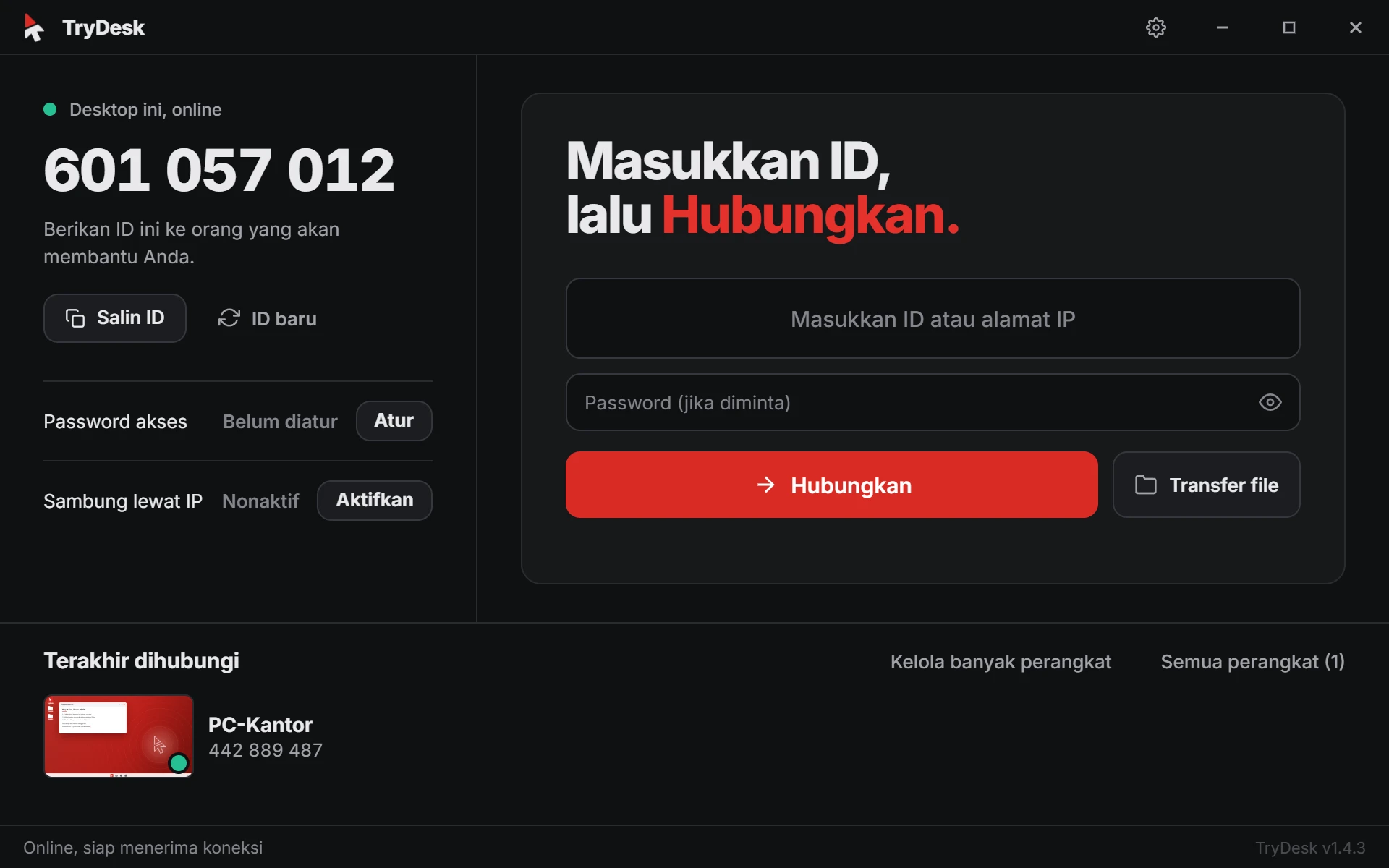
The dot on each PC's picture shows its state right now: green means that PC is online and can be reached, grey means it is offline. PCs reached by IP address have no dot.
Manage many devices
For looking after many PCs at once, such as an office or a lab: groups, connecting or disconnecting several PCs at once, and sending the same file to all of them. Open it with the Manage many devices link on Home (next to All devices). The full guide is at Manage many devices.
Related pages
Something wrong or unclear on this page? Email [email protected].