Free remote desktop,
no account.
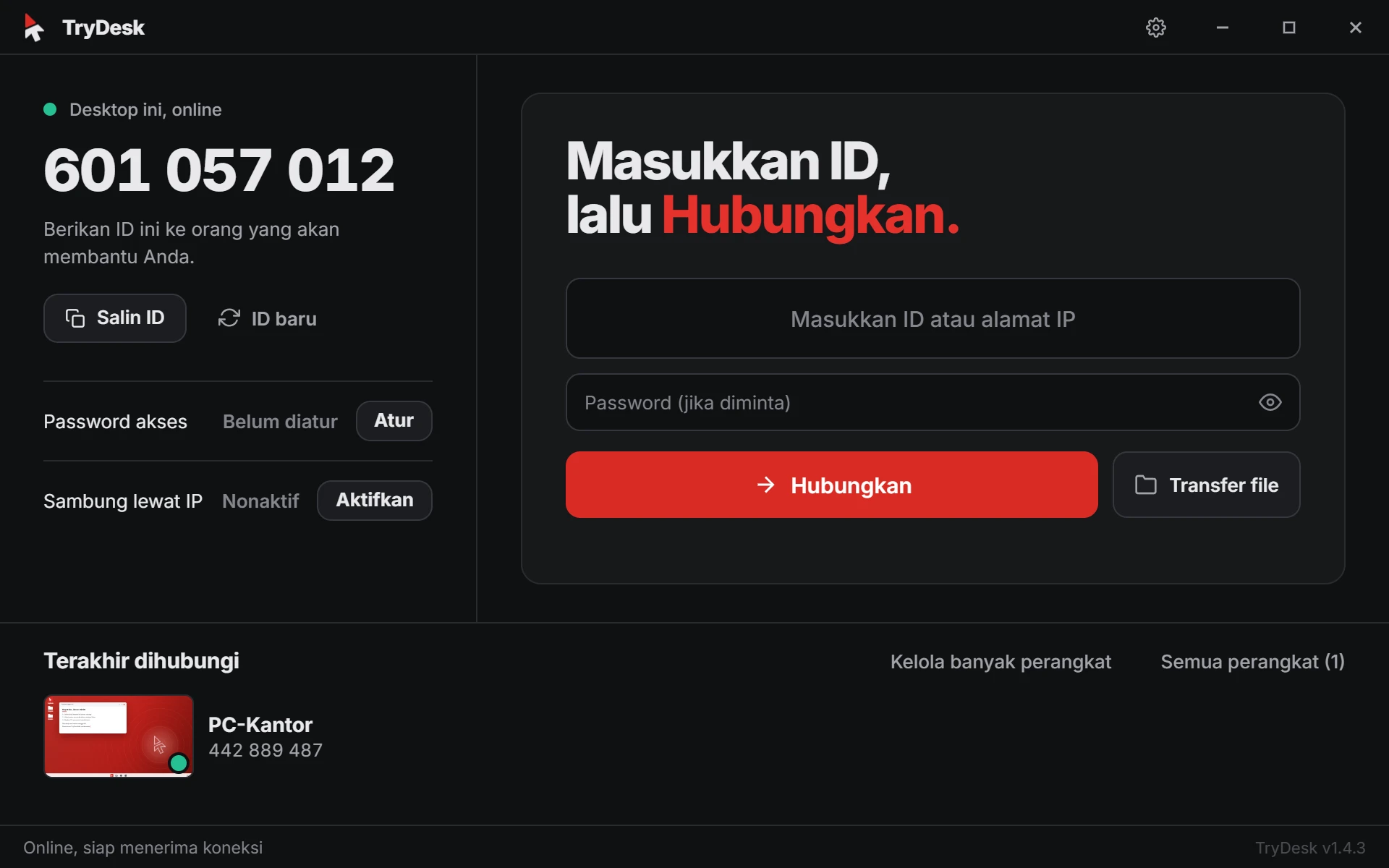
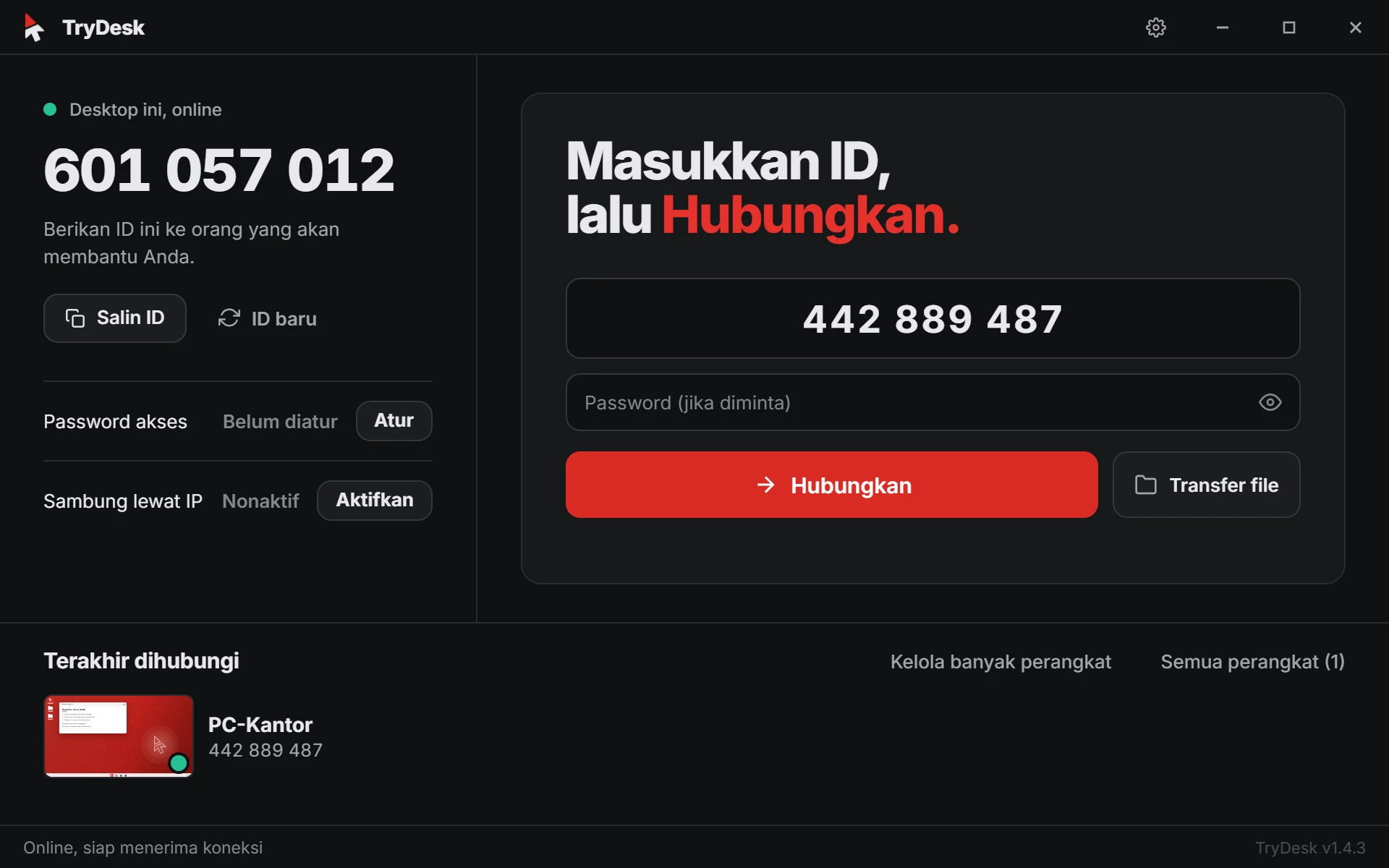
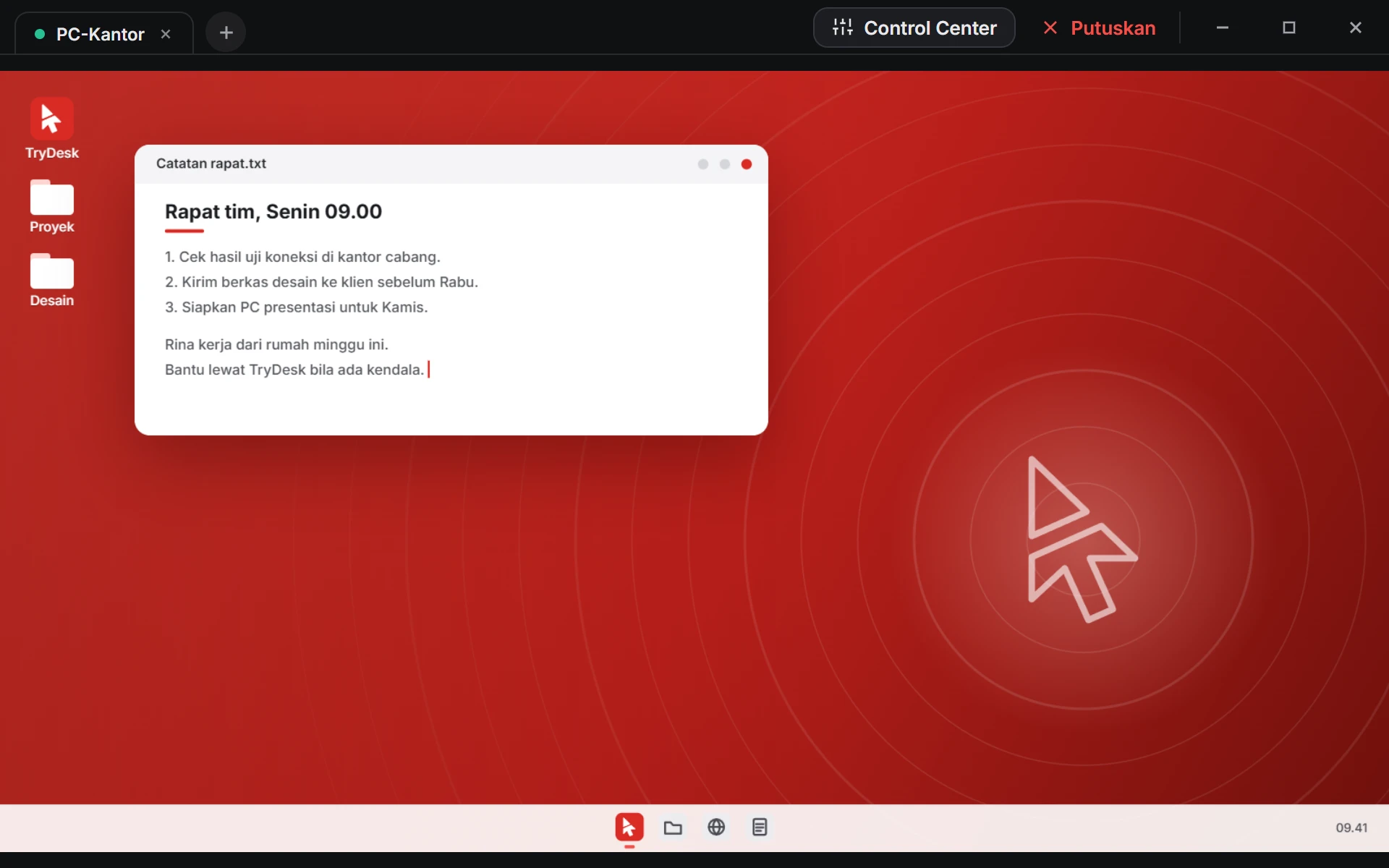
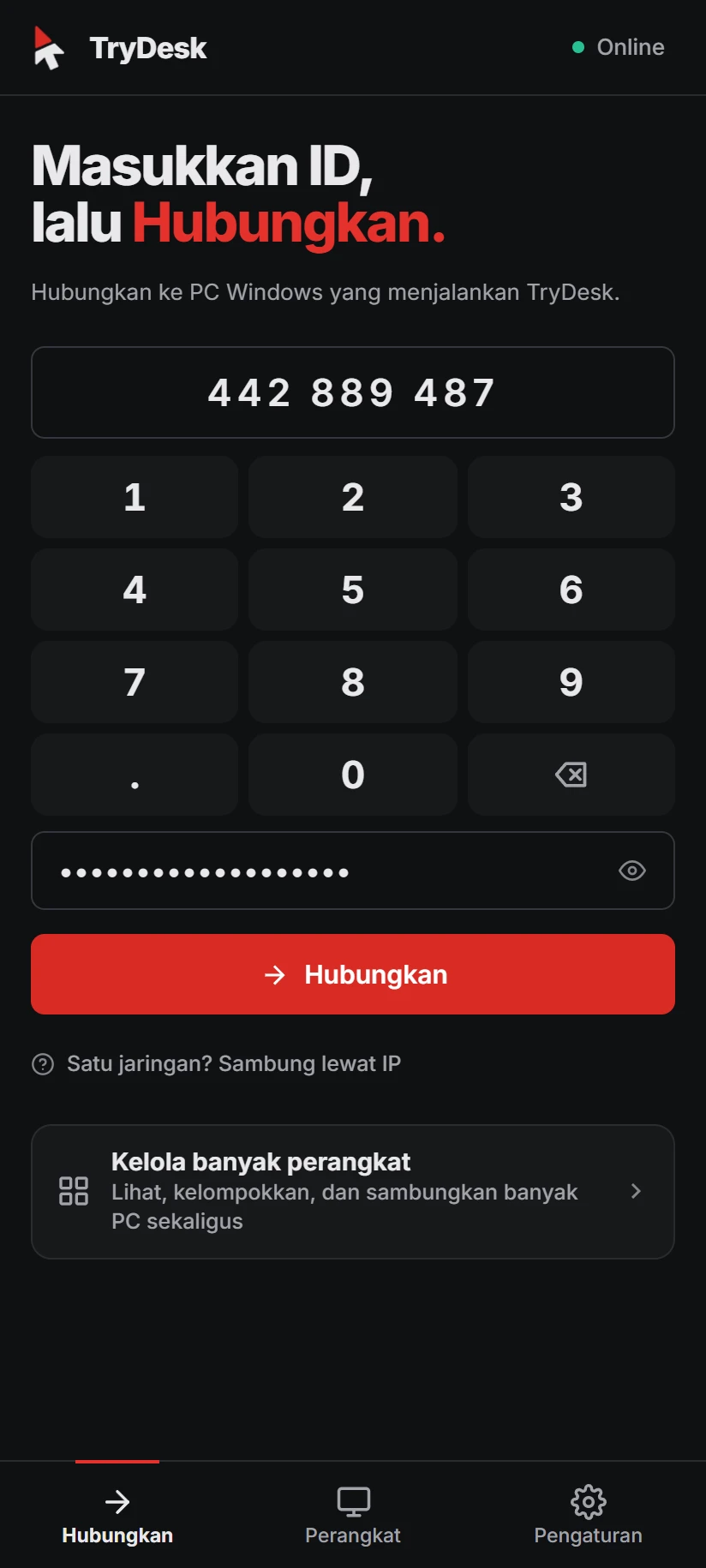
Open TryDesk on two computers, type the 9-digit ID, and the other PC's screen appears in your window. Your mouse and keyboard move it.
Full control, not just watching a screen.
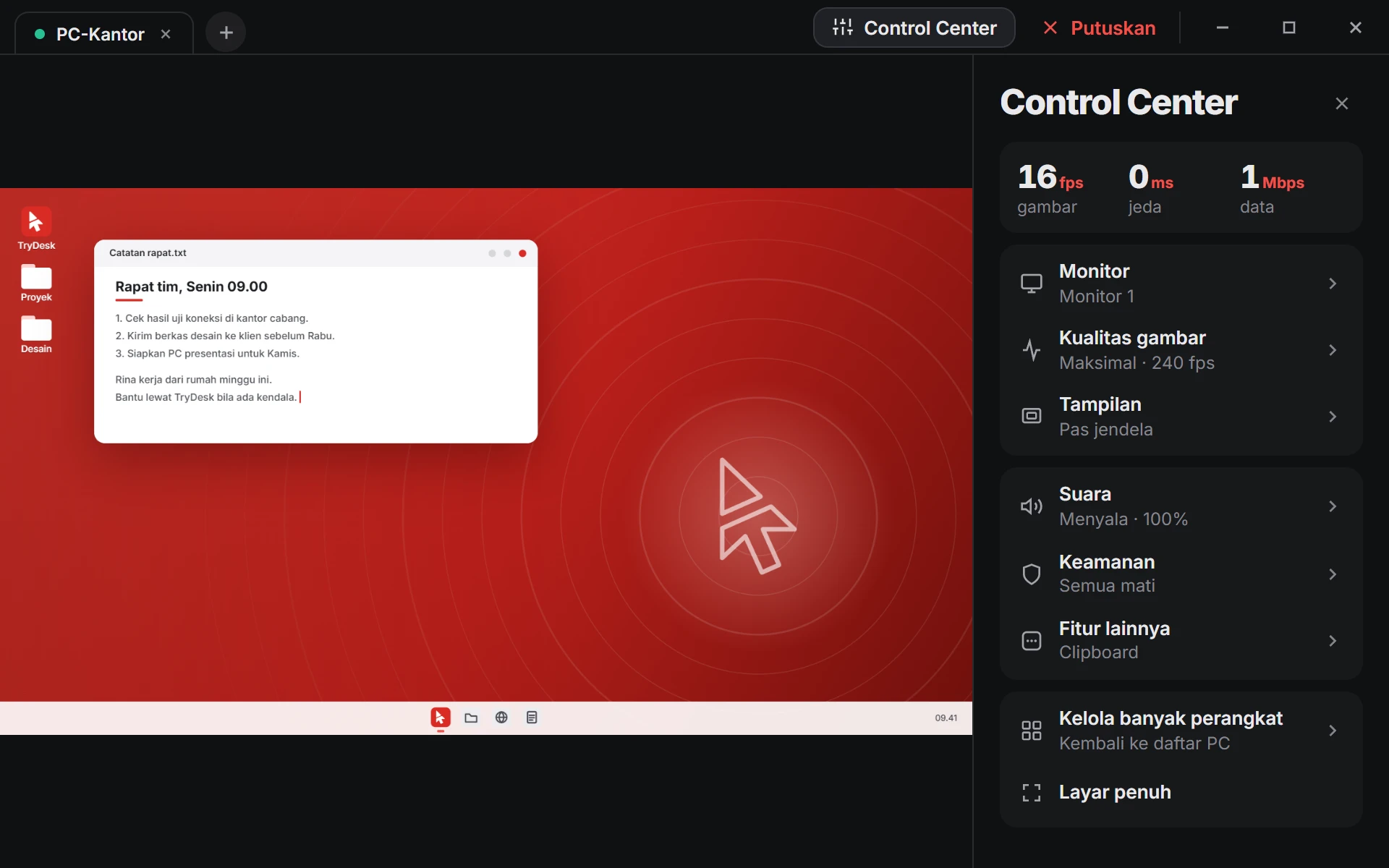
Control Center
One button for monitors, picture quality, display, sound and security while a session runs.
- FPS, delay and data show at the top of the panel.
- Settings are grouped: quality, monitors and more.
- Changes apply at once, with no reconnecting.
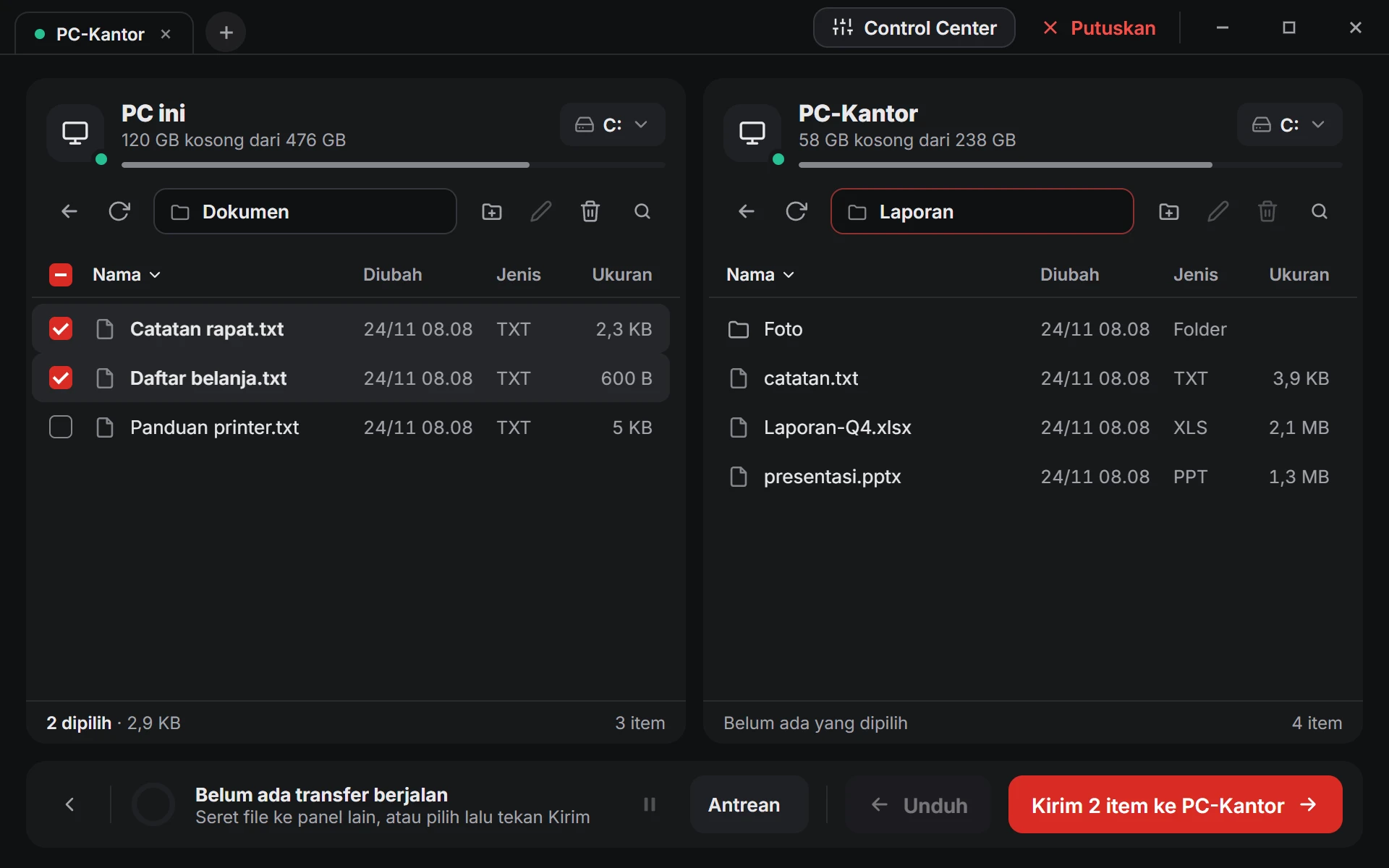
Two-pane file manager
Send and download files with a queue and progress.
- Pick files, then press Send to the other PC.
- Every transfer can be paused or cancelled.
- Same name at the other end? Pick Replace, Keep both or Skip.
Clear requests
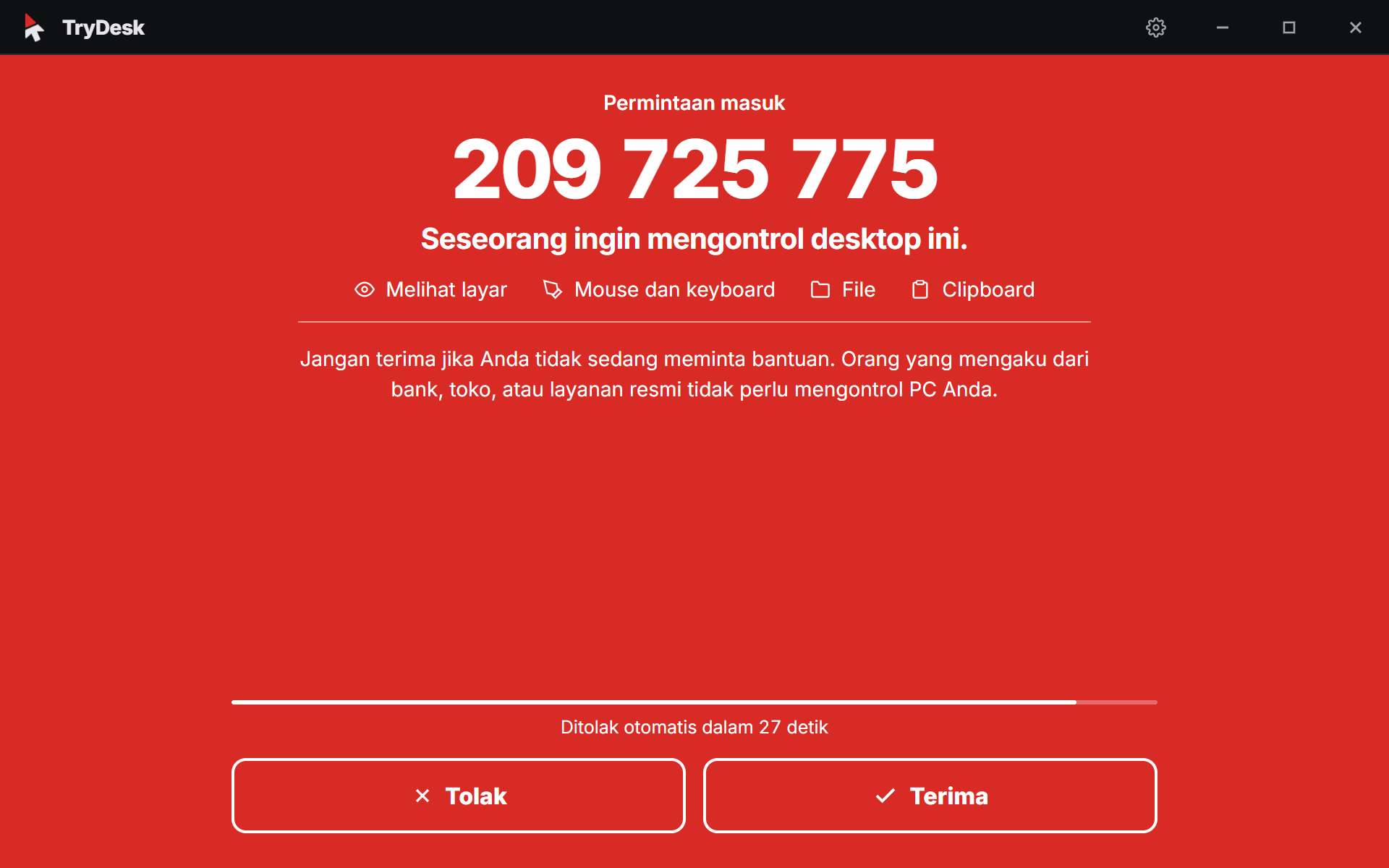
The PC's owner sees who is asking and what they could do, plus a scam warning.
- The permissions asked for are spelled out: screen, mouse and keyboard, files, clipboard.
- Declined automatically if nobody answers within 30 seconds.
- The Disconnect button stays visible while your PC is being controlled.
Declined automatically in 30 s
Also in TryDesk.
- Multi-monitorSwitch between the PC's displays without dropping the session.
- Quality changes while you workBitrate, FPS and resolution change without reconnecting. Six presets.
- From an Android phoneTouchpad or direct touch, number pad, switch monitors.
- Connect by IPOne network, no internet and no server. Always with an access password.
- Windows serviceThe PC can be controlled while locked, and the Windows PIN typed from afar.
- 22 languagesThe app comes in 22 languages, including Indonesian and English.
- Session tabsControl several PCs at once from one window, switch with one click.
- Manage many devicesPCs you have connected to are saved with their last picture, can be grouped, and reconnected.
- Key combinationsCtrl+Alt+Del, Win+L, and other combinations in one panel, and you can add your own.
- ChatTalk with the person at the PC you control, no other app needed.
- Game modeMouse movement for games, and keys like Alt+Tab sent to the PC you control.
- Record sessions and screenshotsSave video or pictures of the controlled PC's screen.
- Clipboard syncCopy on one PC, paste on the other.
- Automatic updatesTryDesk downloads, checks, and installs its new version by itself.
- From Mac and LinuxA Mac or Linux computer can control a Windows PC.
The fast path, measured.
The fast path turns on by itself when the controlled PC has a graphics-card encoder. On this path Automatic uses H.264, and H.265 can be picked by hand. Over the internet, Automatic uses H.265 when both PCs can.
measured on one PC (3 Nov), limit 1000
Light motion, needs a 240 Hz or faster screen
Screen-to-screen delay at 240 FPS
no sign-up, no session limit
Measured on one Windows PC (RTX 4060, 280 Hz screen) over the fast path: 820 Mbps on 3 November 2026, 240 FPS and 30 ms delay on 13 November 2026. Over the internet or Wi-Fi the numbers are lower.
Two ways to connect.
One ID from anywhere, or an IP address on the same network.
The TryDesk server tells both devices how to find each other, once, at the start. After that, screen, mouse, keyboard and files flow straight between the devices, encrypted.
Network blocking the direct path? TryDesk goes through a TURN relay automatically, still encrypted.
For devices on the same network (an office, an internet cafe, at home). On the target PC turn on Connect by IP and set an access password of at least 10 characters, then type its IP address in the ID box.
This connection doesn't go through a TryDesk server and always needs the password.
One ID, every device.
A Windows PC can be controlled. Android phones, Macs and Linux can control it.
Common questions.
Another question? [email protected]
What is TryDesk?
TryDesk is a free, open-source (AGPL-3.0) remote desktop app made by DrWeabo in Indonesia. It lets you see and control a Windows PC from another Windows PC, a Mac, Linux or an Android phone, with no account. All of a remote PC's monitors can show at once, files can be sent both ways, and through the Windows service the PC stays reachable even when its screen is locked.
Is TryDesk really free?
Yes. No ads, no account, no session time limit. The developer, DrWeabo, pays for the servers. Donations help carry the cost.
Can I use it for cloud gaming?
Yes, within limits. In our test (one PC, RTX 4060, 1080p 280 Hz display) the fast path reached 233 to 240 FPS with light motion at a median screen-to-screen delay of 30 ms (13 November 2026), and 187 to 195 FPS with heavy motion and 820 Mbps (3 November 2026). That many FPS needs a monitor with the same refresh rate on the controlled PC. Over Wi-Fi or the internet, expect less, so use wired LAN for games.
How does the connection work?
TryDesk uses WebRTC to build a direct peer-to-peer connection between devices. If a direct connection isn't possible (because of NAT or a firewall), TryDesk goes through a TURN relay server automatically.
Is it secure? Is my data encrypted?
Yes. Session data travels over WebRTC encrypted with DTLS-SRTP, including when it passes through a TURN relay. The fast UDP link (Windows PC to Windows PC on one local network) is encrypted with AES-256-GCM using a new key for every session. The TryDesk server only introduces the two devices and never receives the contents of your remote session.
Do I need to install it, or can it just run?
There are two builds: Portable (runs right away, no installation) and Installer (installs to the system and the Windows service, so the PC stays reachable even when the TryDesk window is closed or the screen is locked). Since 1.4.0, TryDesk downloads, checks and installs its new versions by itself from inside the app.
Can a Mac, a Linux PC or a phone be controlled remotely?
Not yet. For now only Windows 10 and 11 PCs can be controlled. A Mac, a Linux PC or an Android phone can be used to control a Windows PC.
How do I stay safe from scams?
Only accept requests from people you know and are expecting. Never give your ID together with your access password to someone who contacted you first, including anyone who says they are from a bank or customer support. While your PC is being controlled, the Disconnect button is always visible and works at any time.
How is it different from AnyDesk, TeamViewer or RustDesk?
For users in Indonesia, TryDesk wins where it matters day to day. It is free for every use, including work and business, while AnyDesk and TeamViewer are free for personal use only. Its code is open and anyone can check it, while AnyDesk and TeamViewer are closed. No account, no ads, and no session time limit. Its public server is in Jakarta, the app speaks Indonesian, and help comes straight from its maker in Indonesia. Between Windows PCs on one network, TryDesk's fast path reaches 240 FPS in our tests. Compared with RustDesk, which is also open source, TryDesk adds a server in Indonesia, help in Indonesian, and that fast path.
Can I use it at work or for a business?
Yes, and it stays free. There is no paid edition, no business licence, and no limit on commercial use.
Does it work without the internet?
Yes, as long as both devices are on the same network, such as at home, an office, an internet cafe, or a lab. Use Connect by IP: it does not go through the TryDesk server and always uses an access password.
Can I control several PCs at once?
Yes. Each PC opens in its own tab in one window, and you switch between them with one click. PCs you open often can be saved, named, and grouped in Manage many devices.
Can my TryDesk ID change?
No. The ID stays with your device and does not change when TryDesk updates. It only changes if you choose Create new ID in Settings yourself.
Why does Windows show a warning when TryDesk opens?
TryDesk does not use a paid code-signing certificate yet, so Windows SmartScreen warns the first time it opens. Choose More info, then Run anyway. All of TryDesk's code is open and anyone can check it on the Source code page.
Where can I get help?
Join the TryDesk community Discord server to ask questions, report bugs, and suggest features, straight with its maker. You can also email [email protected]. The full guide is in the docs.