Skip to content
TryDesk
FeaturesDownloadDocsSource codeSupport
Download
DocumentationDuring a session

Session tabs.

Control several computers at once from one window.

Updated Nov 25, 2026, TryDesk 1.4.3

Control several computers at once. Click the + button on the tab bar to open a new session, then switch between computers via tabs, like browser tabs. Each tab has its own screen, quality and controls. To name a tab, double-click it (or select it and press F2); the name is kept in Devices too.
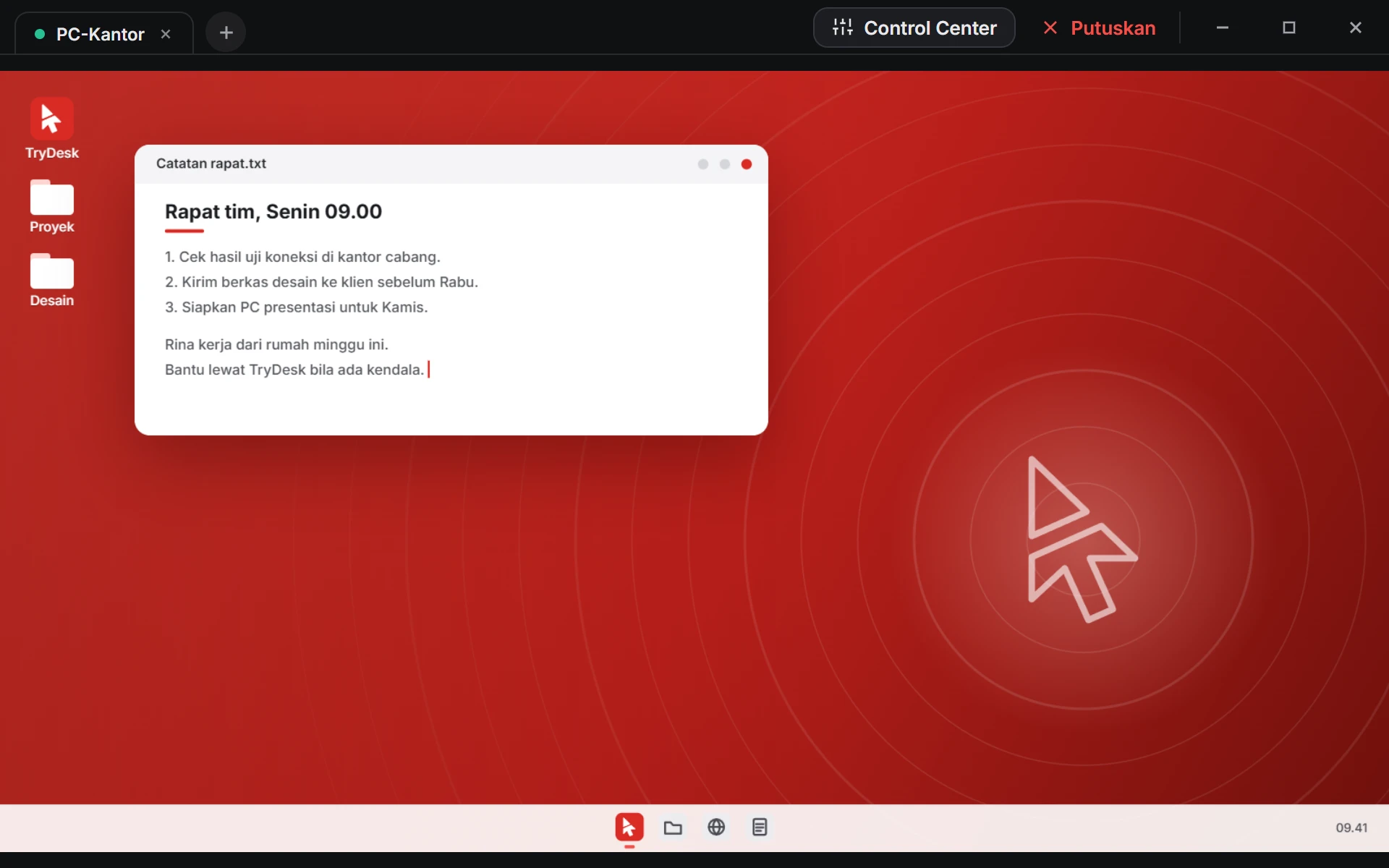
A running remote session: the tab bar at the top and Control Center at the top right
A running session. The tab bar at the top: one tab per computer, + to open another. Control Center at the top right.

Related pages

Something wrong or unclear on this page? Email [email protected].

TryDesk

Free and open-source remote desktop, made by DrWeabo.

Server online, version 1.4.3

Product

DownloadDocsChangelogFAQ

Project

Source codeSupportSponsors and partners

Help

Quick startTroubleshootingDiscord communityContact us

Legal

Privacy policyTerms of use
© 2026 DrWeabo, open source (AGPL-3.0), v1.4.3[email protected]