Chat.
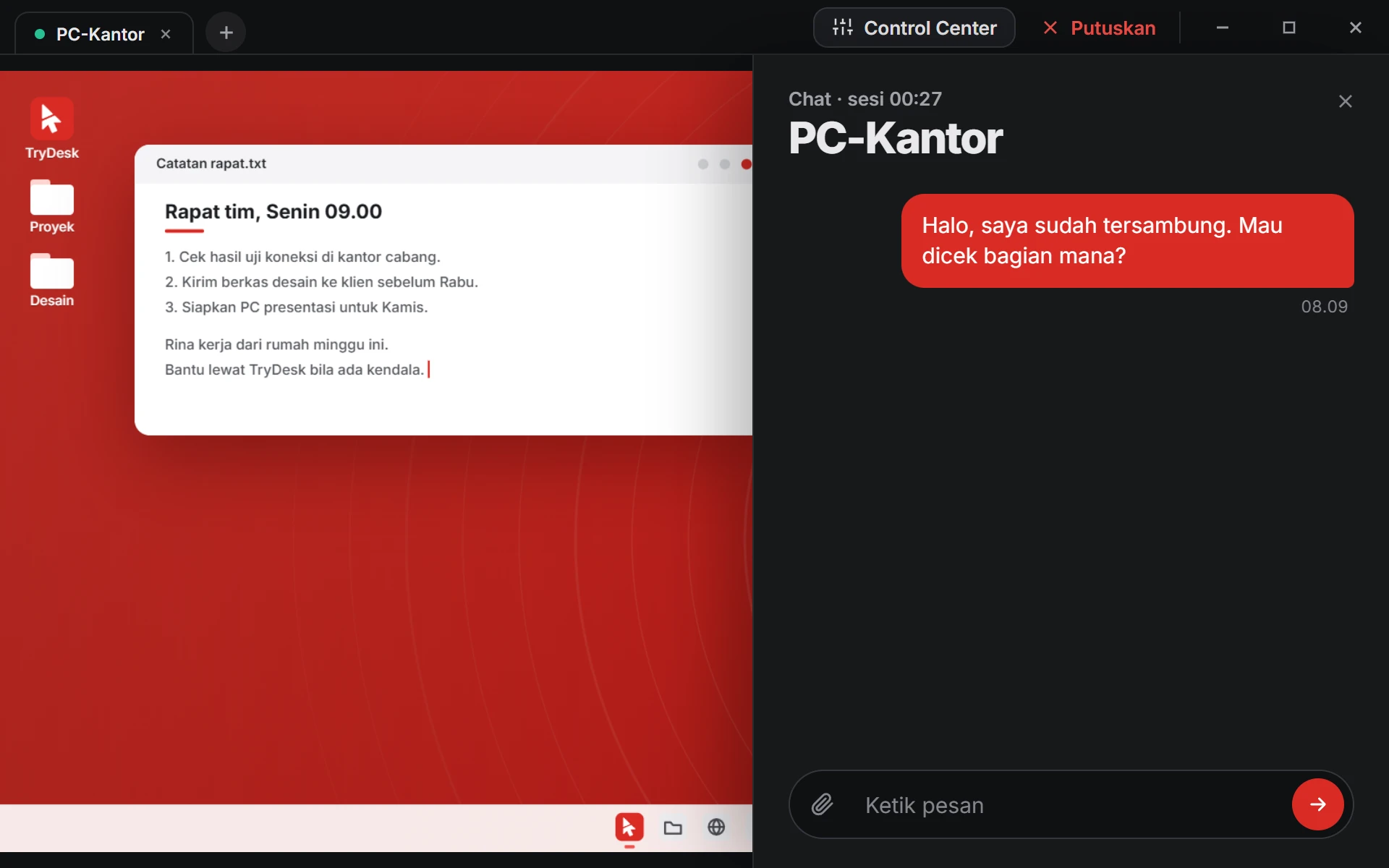
Talk to the person in front of the PC you control.
Open the Chat panel to send messages both ways during a session, from the controller and the host. Pictures and files (up to 25 MB) can be sent too: drag them onto the chat, paste them with Ctrl+V in the typing box, or click the paper clip. The receiver keeps them with Save. The PC being controlled only takes them while its file permission is on. When a message arrives and the window isn't active, you get an in-app notification plus a Windows notification, with sound.
Related pages
Something wrong or unclear on this page? Email [email protected].